Trusted by 1,000+ creators

Cinematic AI sites, made easy

Copy a prompt, paste it into your AI, and launch a site that doesn't look AI-made.

New templates arrive weekly

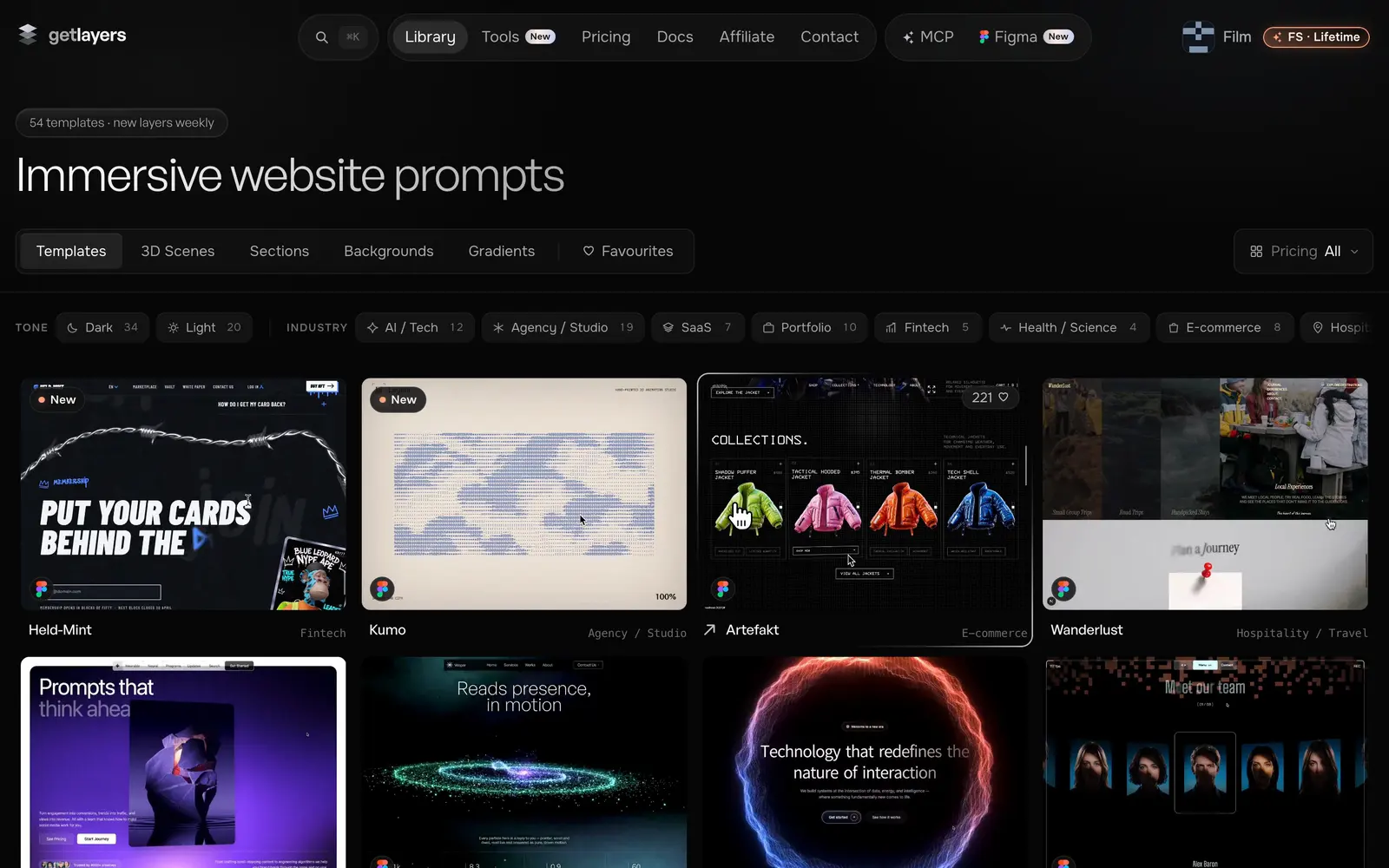
Immersive website prompts

Vesper

Vesper

SaaS
Stride

Stride

Fintech
AI Studio

AI Studio

AI / Tech
Dantora

Dantora

Health / Science
Clarix

Clarix

AI / Tech
New Era

New Era

Health / Science
WanderlustNew

Wanderlust

Hospitality / Travel
New scenes arrive weekly

3D scene prompts

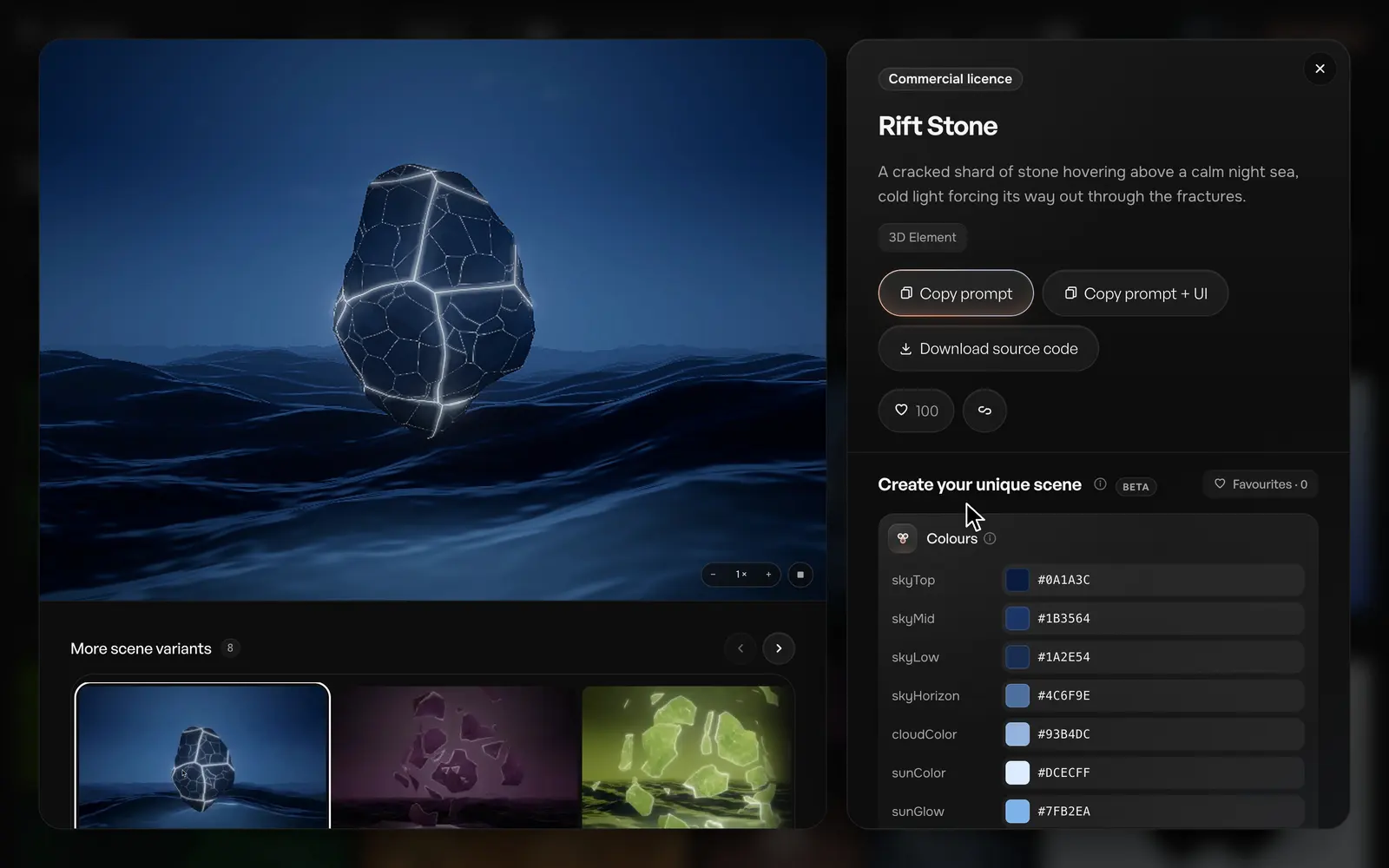
Rift Stone

Rift Stone

3D Element
Orb

Orb

Fluid & Iridescent
Epoxy Drift

Epoxy Drift

3D Element
Pinwheel Galaxy

Pinwheel Galaxy

Galaxy & Space
Aurum Peak

Aurum Peak

Waves & Terrain
Pixel Glass

Pixel Glass

3D Element
Argent Massif

Argent Massif

Waves & Terrain
Halcyon Gate

Halcyon Gate

3D Element
New sections arrive weekly

Interactive section prompts

Colonnade

Colonnade

Features
Mirror Hall

Mirror Hall

Carousel
Cards Almanac

Cards Almanac

Cards
Slider Spectra

Slider Spectra

Carousel
Cards Cascade

Cards Cascade

Cards
New backgrounds arrive weekly

Animated background prompts

Purple Dream

Purple Dream

Landscape / Nature
Glowing Dunes

Glowing Dunes

Landscape / Nature
Vivid Sunset

Vivid Sunset

Landscape / Nature
Night Flowers

Night Flowers

Floral
Starry Night

Starry Night

Landscape / Nature
Glass Wave

Glass Wave

Abstract / Glass
Star Man

Star Man

Character
New gradients arrive weekly

Interactive gradient prompts

StrigilNew

Strigil

Default
PharosNew

Pharos

Default
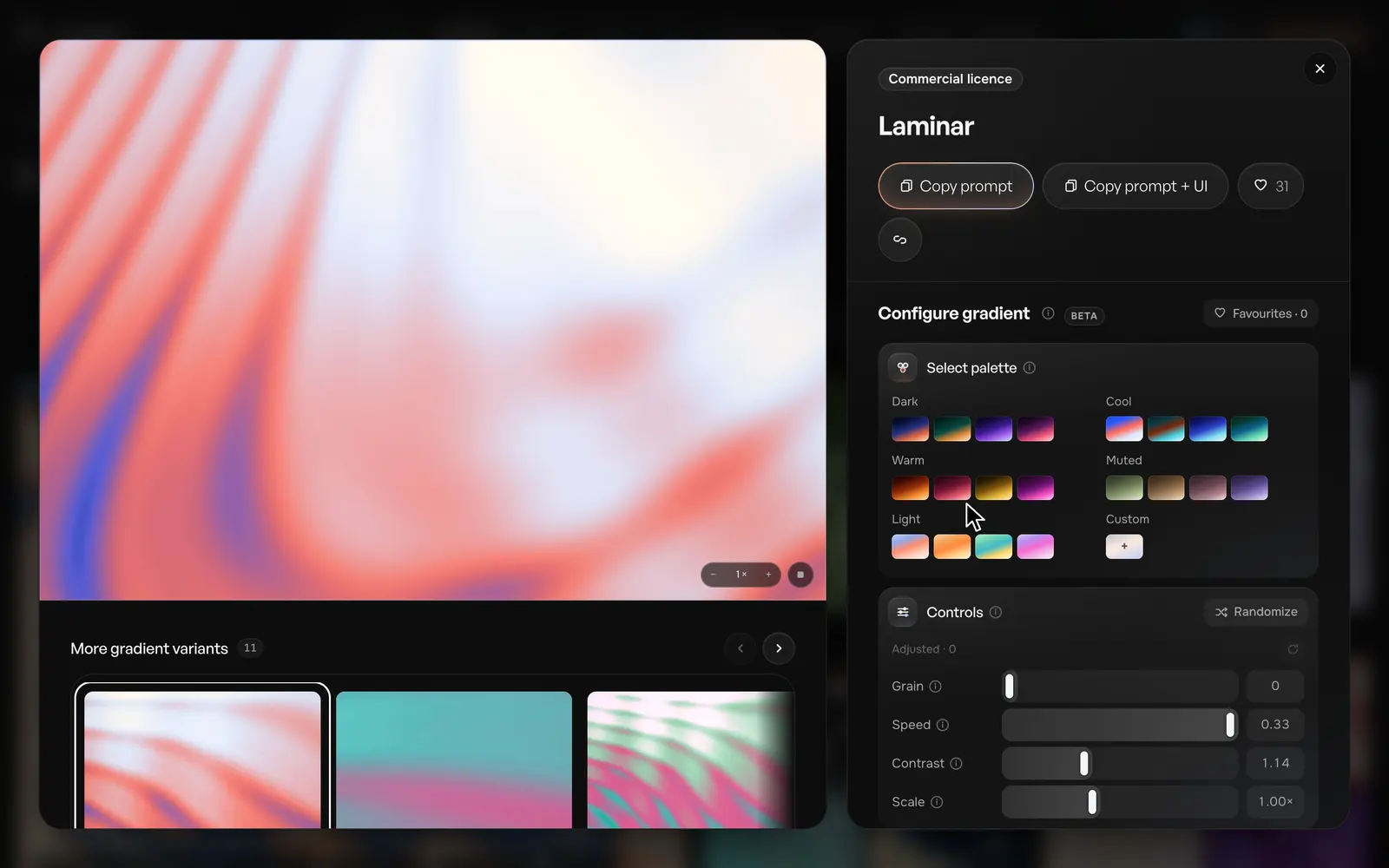
LaminarNew

Laminar

Default
Komorebi

Komorebi

Default
AntipodeNew

Antipode

Default
IchorNew

Ichor

Default
Kindle 001New

Kindle 001

001
ShoalNew

Shoal

Default

One prompt from idea to interface

Everything you need to build a cinematic website with AI

prompt → your projectCopy a layer's prompt, paste it into your agent, get one self-contained HTML page — then drop it into your project, or rebuild it production-ready with our Next.js starter.
Copy a layer's prompt, paste it into your agent, get one self-contained HTML page — then drop it into your project, or rebuild it production-ready with our Next.js starter.Read the docs

Configure unique scenes and gradients

Configure, copy as a prompt and wire up your project.

rift-stone.sceneTune a 3D scene in the browser
Tune a 3D scene in the browserSee all 3D scenes
interference.glslTune a gradient in the browser
Tune a gradient in the browserSee all gradients

Compose a section nobody else has

Configure your unique scene, gradient or background, select a UI and copy everything as one prompt.

compose → one promptOne layer, dressed in a real UI template, copied as a single prompt.
One layer, dressed in a real UI template, copied as a single prompt.See all backgrounds

Take a section off the shelf

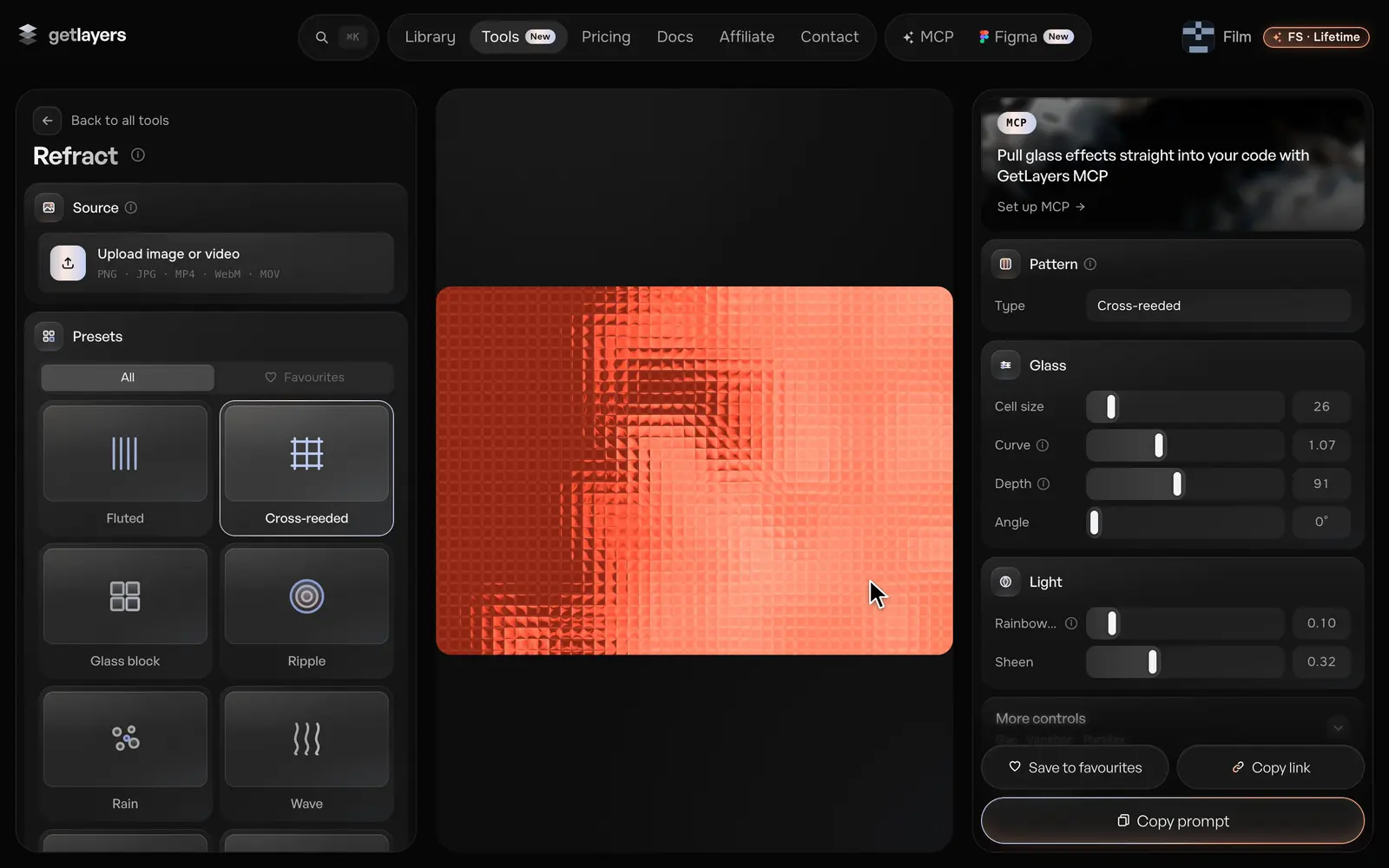
Tens of separate motion sections — any kind you might need, with its own scroll or mouse motion.

sections.libraryCopy it as a prompt and add it to your project.
Copy it as a prompt and add it to your project.See all sections

Imagine your own agentwith all of this power

Connect to the GetLayers MCP and build better, and faster, than anyone else.
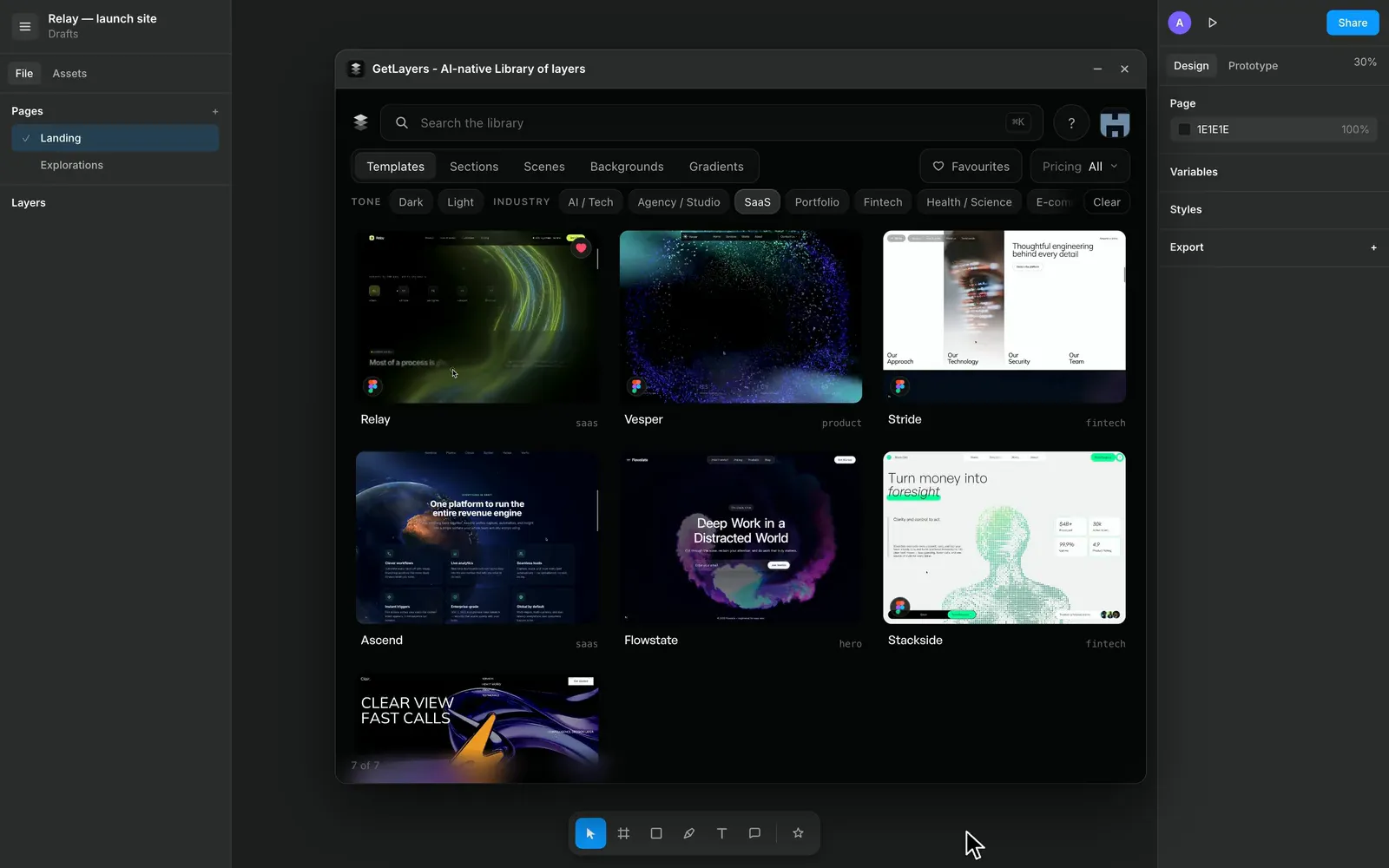
agent → full siteOne prompt, one style, a whole site assembled from the library.
One prompt, one style, a whole site assembled from the library.Explore MCP

Every layer, in one place

The fastest growing library empowering AI design workflows.

Frequently asked
questions

Yes — a curated set of free layers, full prompt included, no card. Copy one into your AI and you will know within a few minutes whether this is for you. That is what it is there for.